

We have templates in different formats to help you prepare your files for printing.
To find the correct template for your project, follow these steps on the product page:
1
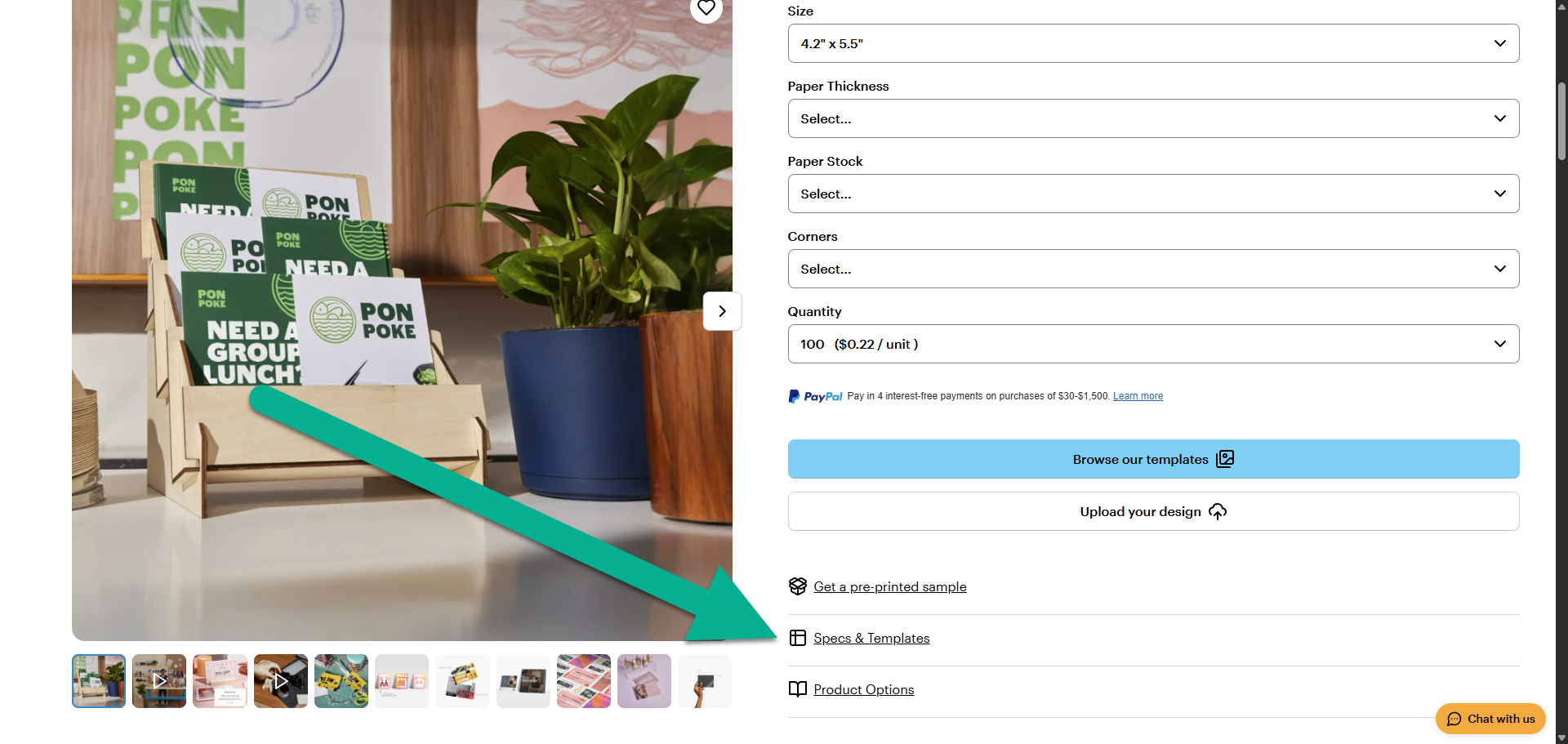
Open the Specs & Templates tab
Below the product selections, select the Specs & Templates tab.
2
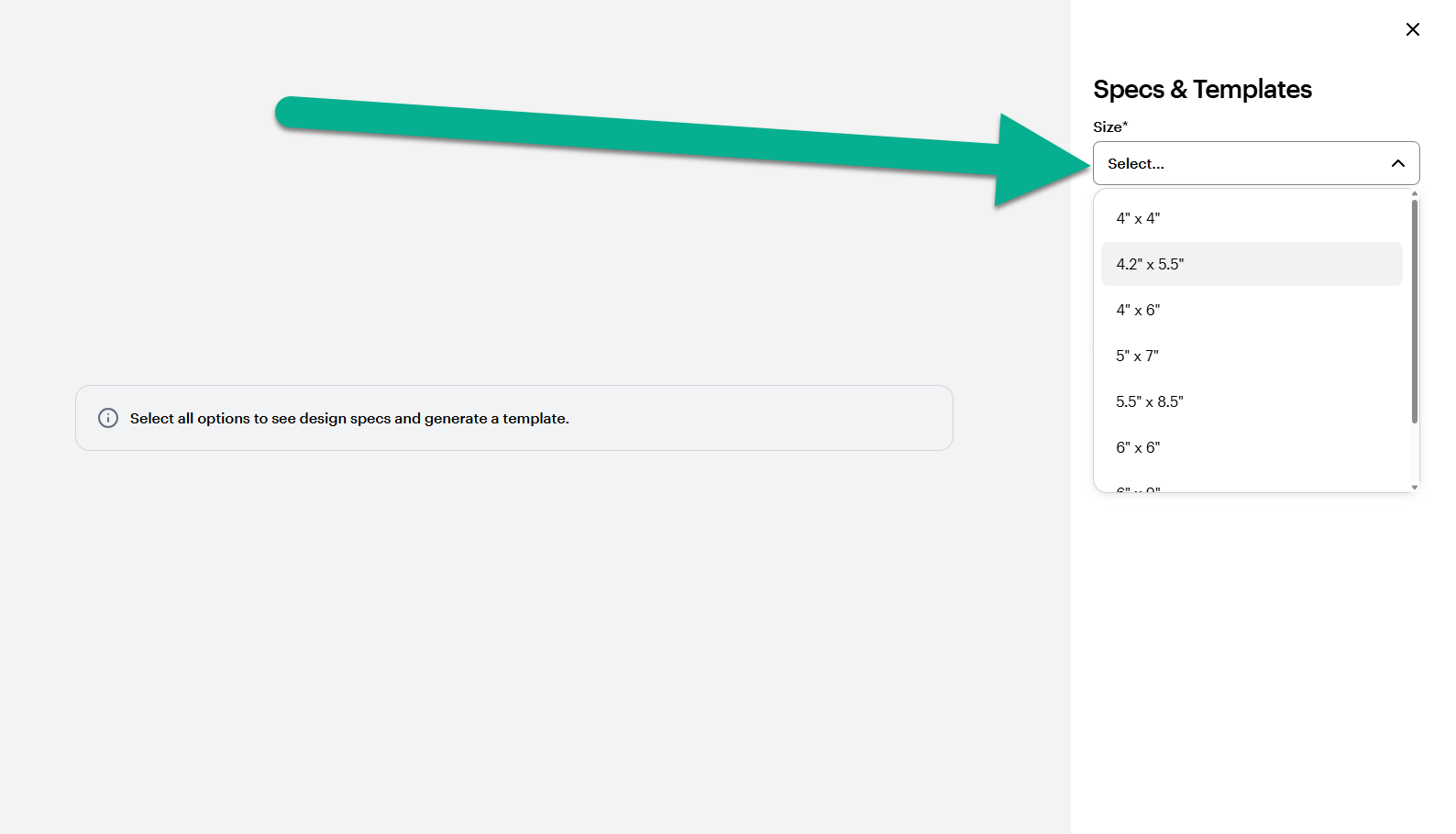
Choose your product size
Select the size you plan to order from the drop-down menu. This ensures the template matches your final print.
3
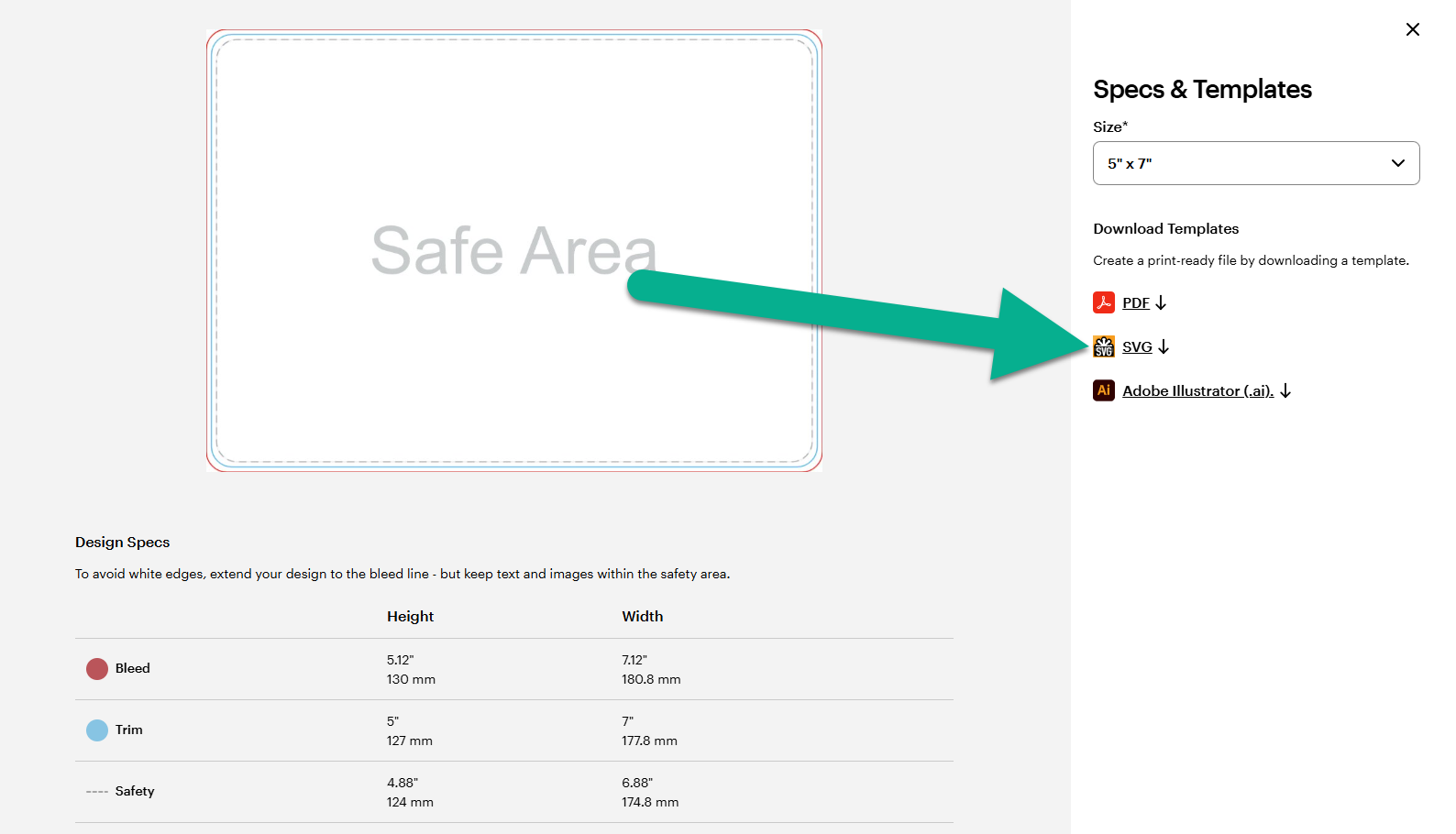
Select your file format
Choose the file type that fits your software.
4
Download and open
Save the file to your computer and open it in your design software to begin your project. When your design is done, you can upload it to the design studio for your chosen product.
Our templates include predefined margins for the bleed, trim and safety lines to prevent important details from being cut off.

