

 Zoomed to minimumUse the plus and minus key to zoom and the arrow keys to pan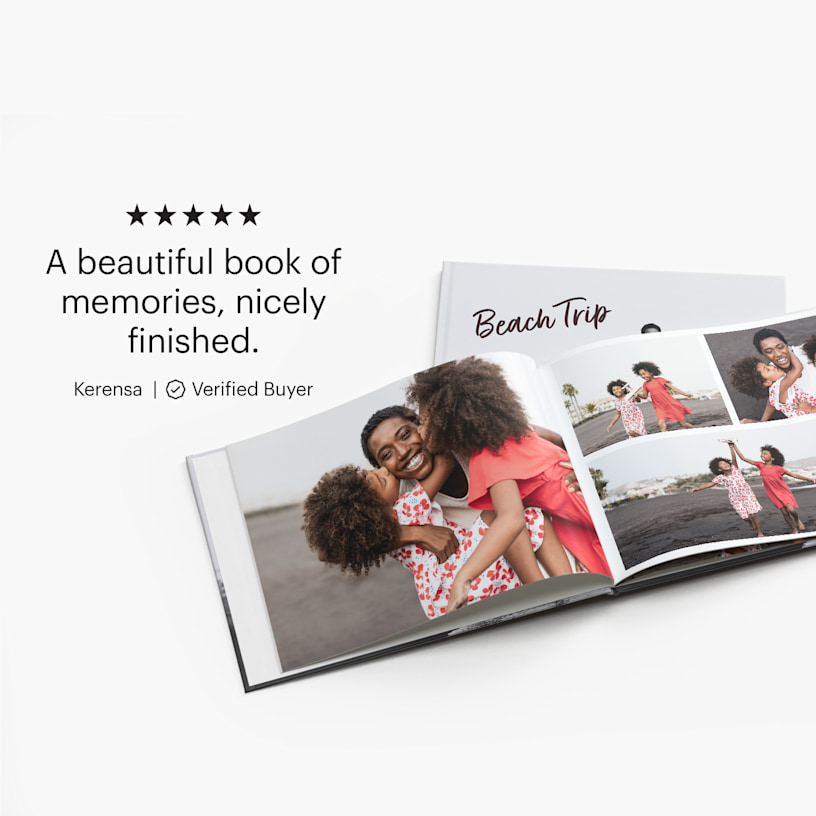
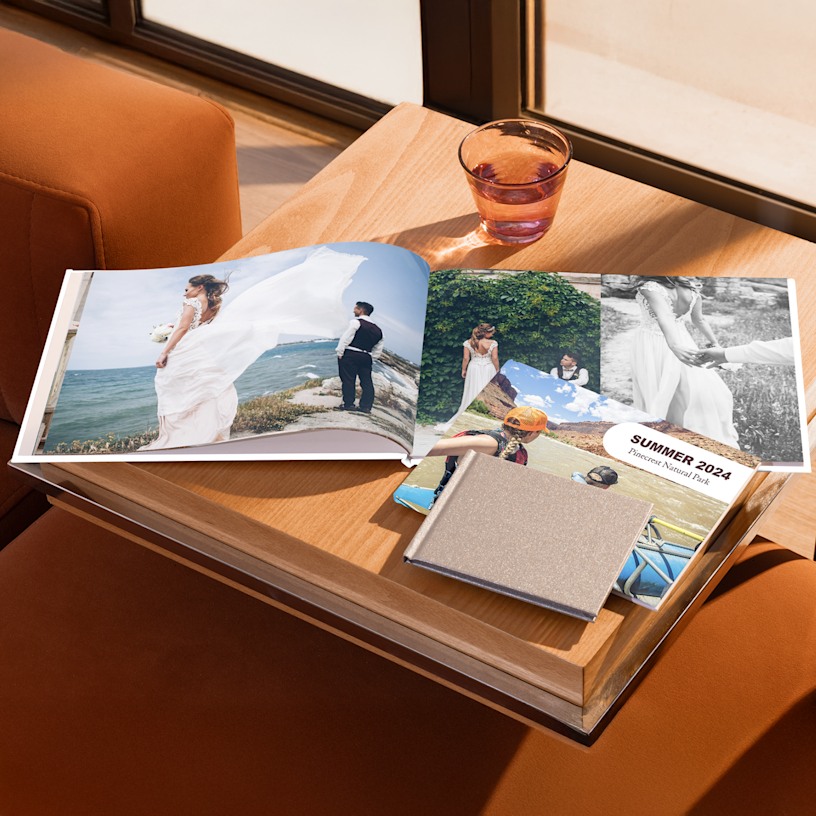
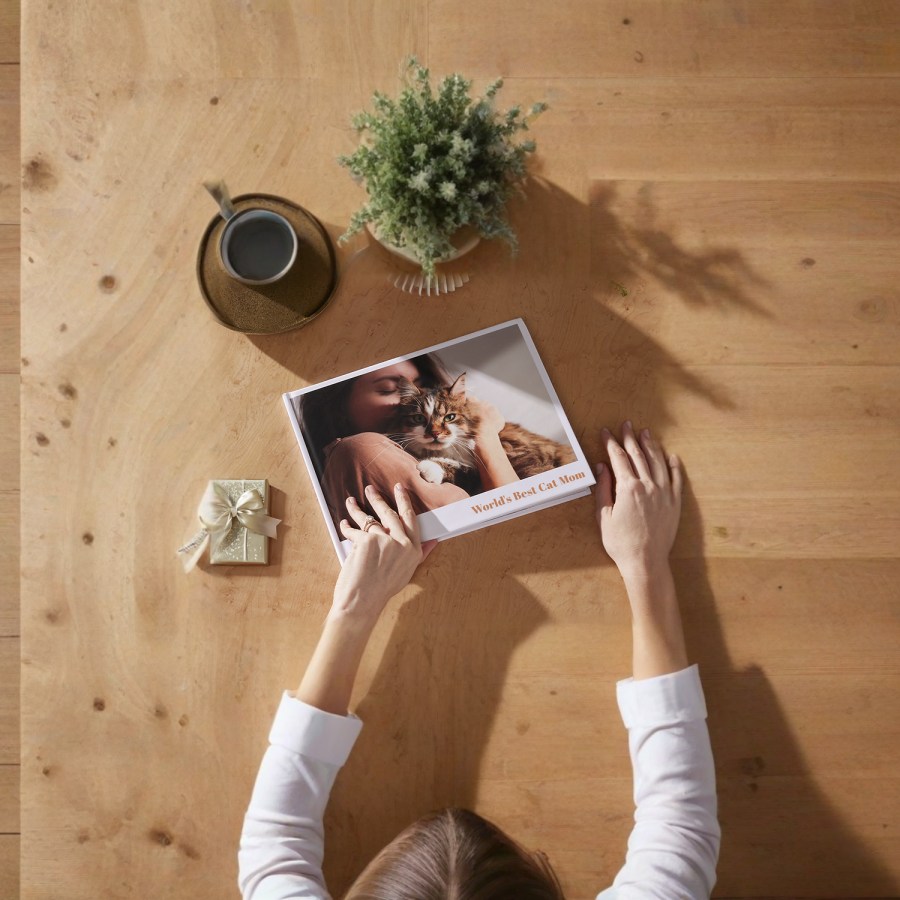
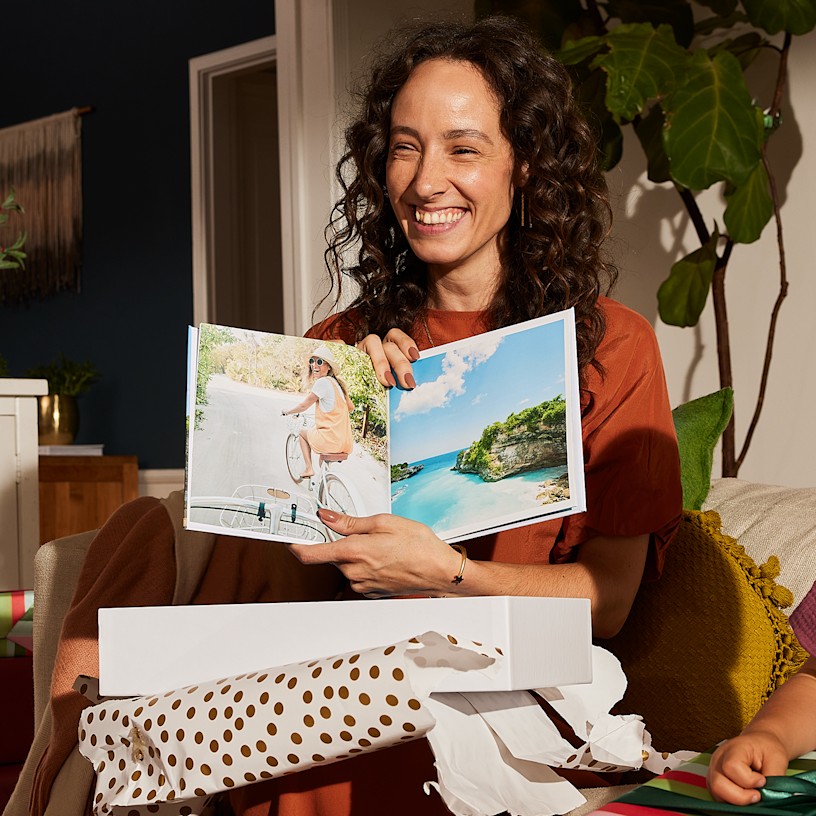
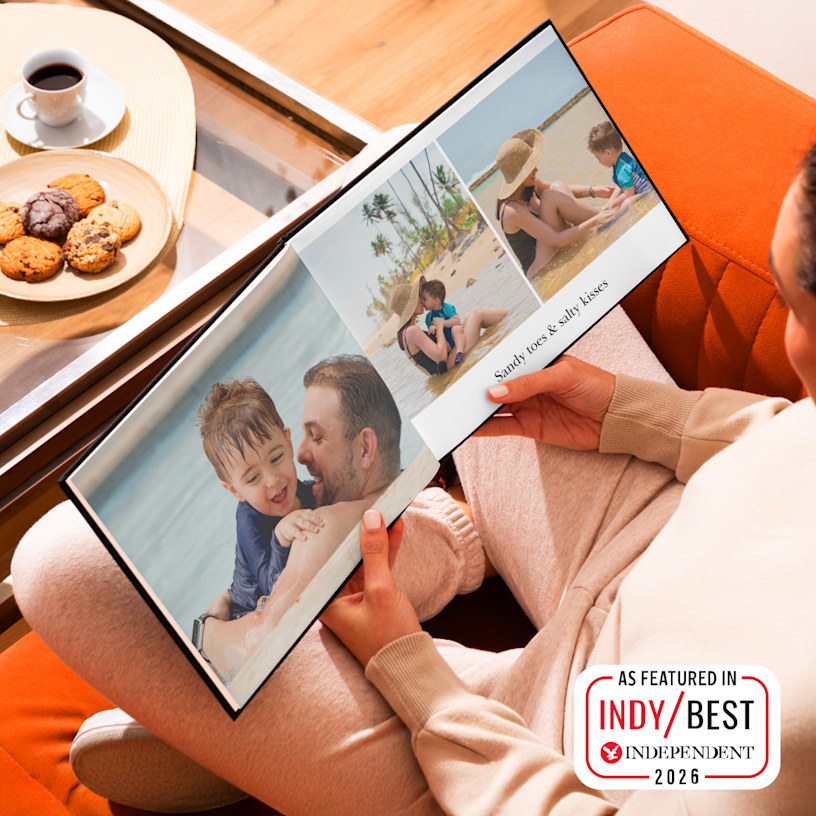
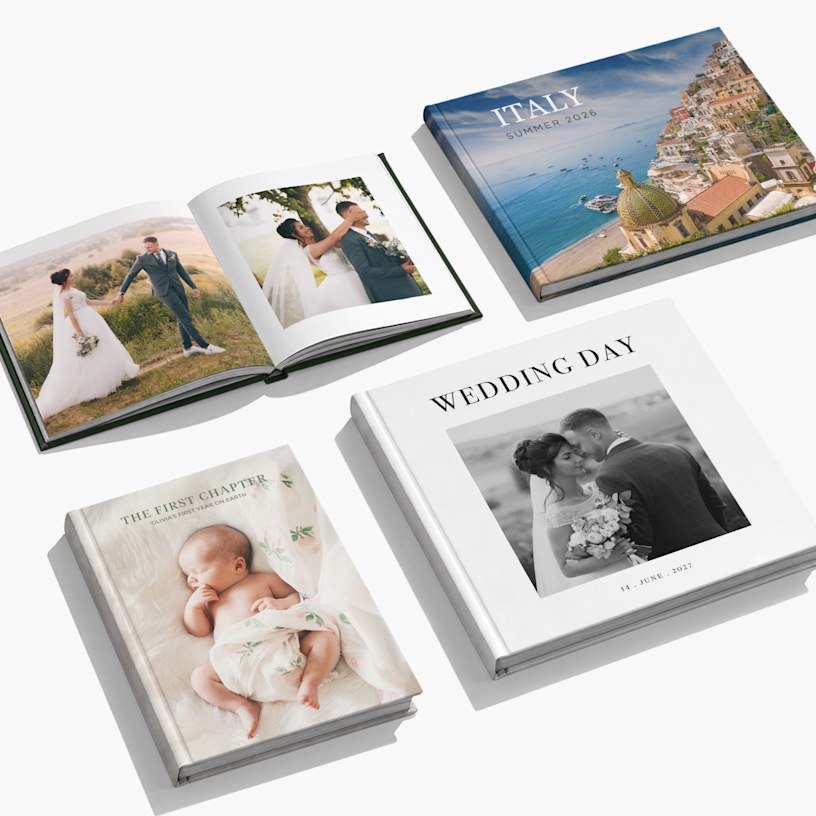
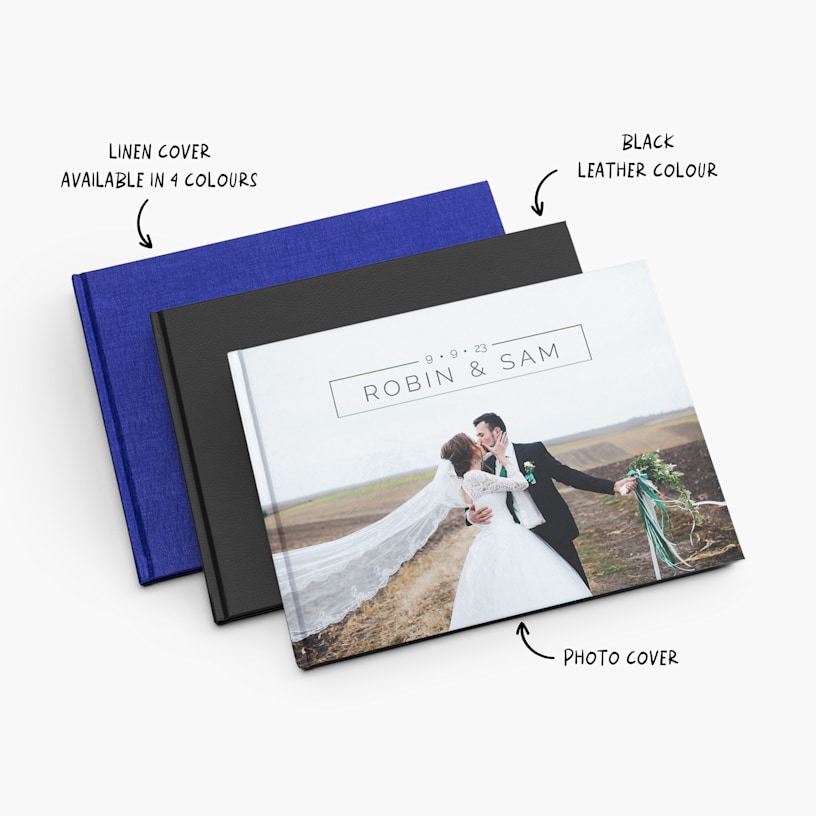
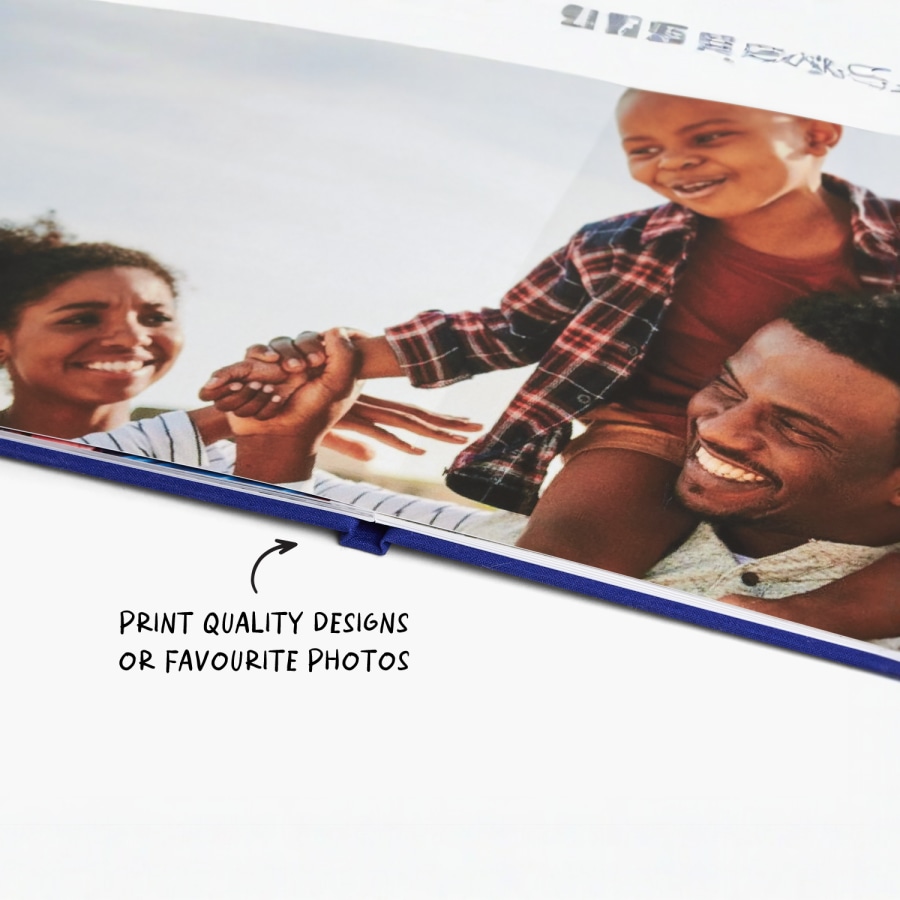
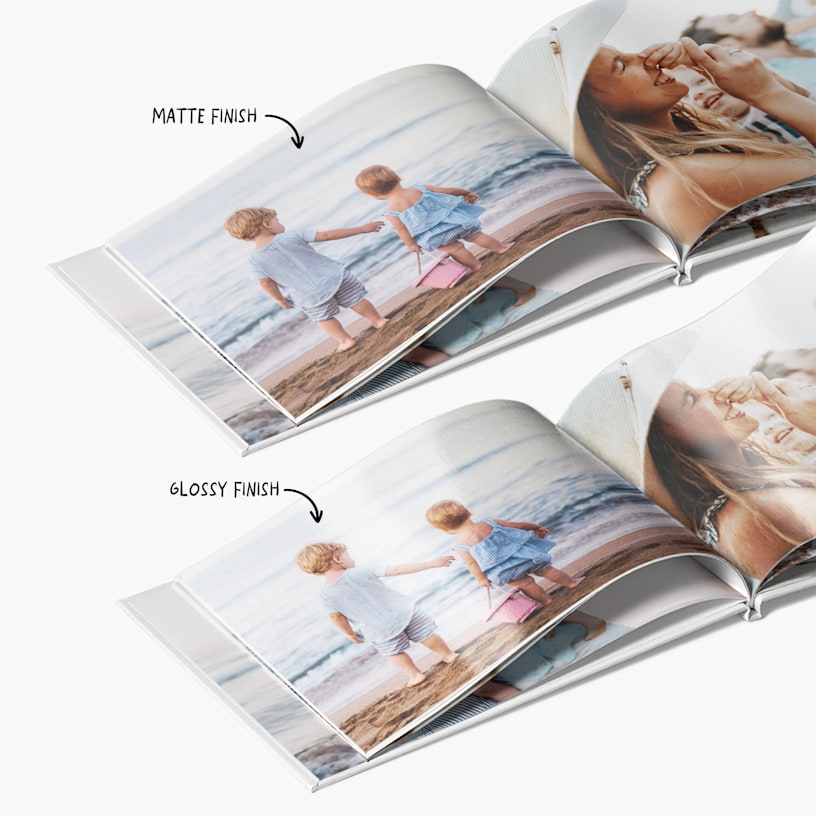
Photo Books
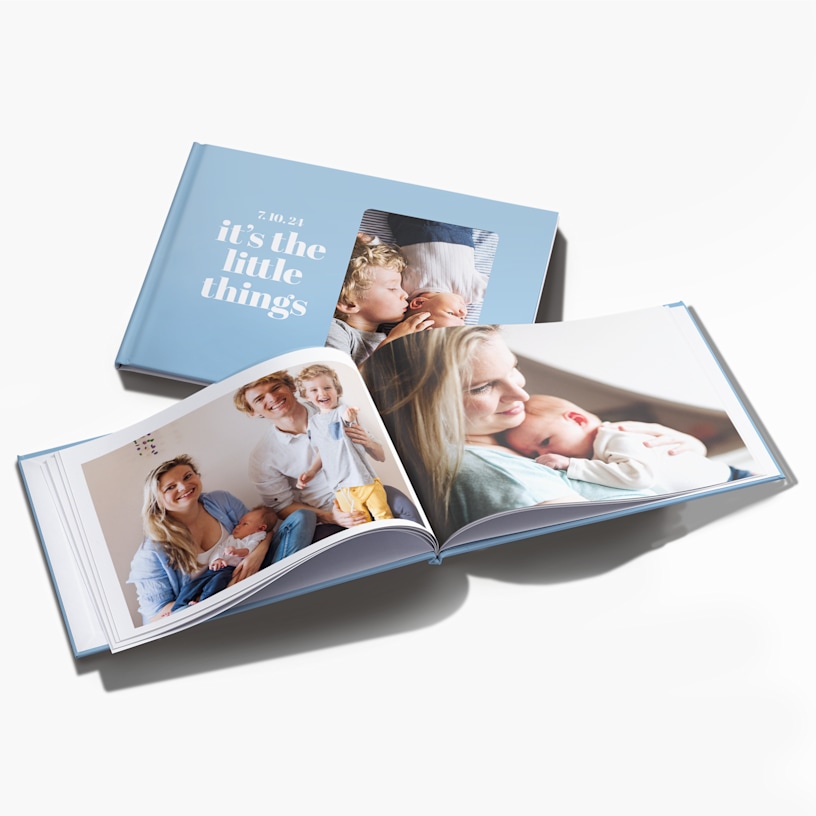
Cherish every moment with photo books and photo albums.
- 8 size & layout options
- 2 paper stocks
- Solid-coloured or photo cover options
- Starts at 24 pages – up to 120 pages
- Professional hardcover binding
- Layflat binding available on selected sizes
- Smart Assistant technology instantly selects photos and creates layouts
The perfect finish for every memory
From compact small picture books to large photo albums made for sharing, our premium photo books are built to impress. Choose from a range of stunning cover options – including classic leather photo album finishes for a timeless feel or sleek photo covers for something more personal. For a contemporary touch, our glossy photo books deliver rich, vivid colour with a polished, coated finish. Want your photos to really breathe? Opt for our layflat photo album binding, where panoramic shots stretch seamlessly across two full pages. Whatever size or style you're after, every premium photo album is printed with over two decades of expertise behind it – and our 24/7 support team is always on hand if you need a helping hand.
Every memory, covered
Whatever the occasion, there's a photo album format to match. Relive your big day with a layflat wedding photo book where you and your partner look beautiful across the spread. Celebrate a new arrival with a newborn photo album that parents will return to again and again. Document family holidays in a travel photo book, or pull together the year's highlights into a family photo album the whole household will love. Marking a milestone? A birthday photo album makes a far more personal gift than anything off a shelf. For the creatives, a coffee table photo book or photography portfolio book lets your images do the talking. From engagement photo albums to birthday memory books, there's always a reason to print the memories that matter most.
Simple steps to a stunning photo book
Ready to create your own photo book? We offer two easy ways to design your personalised photo album online. Use our browser-based online photo album maker – perfect for designing on the go – or download our desktop editor if you prefer to work from your computer. Either way, our step-by-step tools make it easy to create a picture book that's entirely your own. Short on time? Let our Smart Assistant do the heavy lifting – it selects your best shots, builds the layouts and helps you design your own photo book in minutes. Once you're happy, we take care of all the photo book printing – professionally binding and packaging your order before sending it straight to your door. The result? Great photo books, every time: crisp, polished and ready to be loved for years to come. .
Reviewed by 139 customers

At VistaPrint, designing a photo book has never been easier than with Smart Assistant. All you have to do is provide the photos and the program’s smart technology will then select your best images, remove duplicates and create high-quality page layouts. Smart Assistant works in just minutes – and you’ll be able to make any changes you’d like, add custom touches and more.
Our custom photo books come in 8 sizes across landscape, portrait and square formats – from Small Landscape (13 x 10 cm) up to XL Landscape (39 x 29 cm). You can choose the size and orientation that best suits your photos, whether that's a compact picture book or a large-format photo album.
We can deliver photo books to addresses in the following countries: Belgium, France, Germany, Great Britain, Italy, the Netherlands, Norway, Spain, Sweden, Switzerland, Austria, Ireland, Finland, Portugal and Denmark.
Note: We do not deliver photo books to Greenland and Malta at this time.
You can use JPEG (.jpg), BMP, PNG, HEIC and various RAW files to make a photo book online.
4Mb is the maximum size we recommend for an individual photo. Anything larger than this may cause problems as you upload your album. That said, there are no limits to the file size of the album itself.
Yes. We offer a mobile version of our online photo book maker that lets you design and order your personalised photo album on your smartphone or tablet. Our downloadable (offline) editor is not available on mobile devices. Also, please note that size changes are not currently supported on mobile, so make sure you choose the size you want before getting started.
The mobile photo transfer feature allows you to transfer photos from your mobile device to the desktop photo book editor by simply scanning a QR code. To learn more about this exciting new feature, have a look at this article.
Consider our 28 x 21 cm landscape photo book. It’s our most popular and recommended photo book for major milestones like weddings, yearbooks and more.
This comes down to a matter of personal preference. Some people prefer the classic look of black and white photography – especially for formal events like weddings and graduations. Colour photographs are a great way to show off vivid landscapes in travel albums or capture the fun of birthday parties and family get-togethers. Or, you can get the best of both worlds and use different approaches within different album spreads. The choice is yours!
The process varies slightly based on which of our design editors you’d like to use.
-
Download (Offline) Editor: This editor is our most popular – when you install this photo album maker on your computer, it will guide you through the entire process. (Download is quick and easy – less than 3 minutes). After you select your photo book’s size, the editor will help you add photos directly from your computer onto the book. Work is saved to your computer – when your design is finished, the program will upload the book to our site so that you can complete your order. The Download Editor also includes an assortment of extra design options, especially helpful if you’re interested in adding a lot of custom detail to your album.
-
Online Editor: With our online design tool, you’ll be able to design your entire book online, no downloads required. Upload photos from your computer and then place them onto the pages as you’d like.
Yes, both of our editing tools allow you to save a design and come back to it later. We recommend saving your work early and often.
Download (Offline) Editor: When you save your design, the work is stored on the computer itself. You’ll be able to make updates up until you click the Order button.
Online Editor: Your work will be saved to your Vistaprint account. Make sure you’re logged in before you start designing, and don’t clear the cookies on your browser until you’ve ordered your album.
Yes. Just contact our VistaPrint Customer CARE Team – we’ll be happy to answer any questions you have along the way. We want you to love your personalised photo album.
Yes! Just keep in mind that size changes can only be made within the same book format and orientation. For example, you can switch from one landscape size to another, but not from landscape to portrait. Also, please note that size changes are not currently supported on mobile, so make sure to choose your preferred size before getting started.
The program is available for Mac and Windows systems, including Windows 7, Windows 8.1, Windows 10 and Windows 11. For Windows 7 or Windows 8.1, ensure they are fully updated and use service pack 2 or higher. For Windows 7, 8 and 10, we recommend you have the latest version of Internet Explorer 11. For PC users, the minimum requirements for installing the software on your computer are: Dual core CPU/Intel Core i3 (we recommend Intel Core i5), 4GB of RAM (we recommend 8GB of RAM). The minimum screen resolution is 1024 x 768 pixels. For Mac OS users, the accepted versions are 10.13 or higher.
You will receive your printed photo album within 10 business days after you place your order. If you need your photo book before Christmas, remember to factor in this delivery time.
Layflat binding is a unique binding technique that allows a photo book’s pages to lie flat when open. Compared to our standard photo books, layflat photo books have a less prominent centre seam. This removes any visual interruptions, so you can fully take in your photos. Layflat photo albums are ideal for panoramic shots or photos that extend across two pages.
Note: Layflat binding is available in sizes L and XL only and comes with extra-thick paper stock (380 gsm).
There's no set limit on the number of photos you can include – it depends on the size and page count you choose. Our photo books start at 24 pages and go up to 120 pages, so the more pages you add, the more photos you can feature. If you're not sure how to organise your shots, our Smart Assistant can help – it automatically selects your best images, removes duplicates and builds your layouts for you.
Yes, both our online editor and downloadable desktop editor let you personalise your photo book with text, captions and quotes. The downloadable editor includes a wider range of design options if you're looking to add a lot of custom details. Whichever tool you use, we'll walk you through the process step by step.